Frontend vs Backend in WordPress – Quick Overview
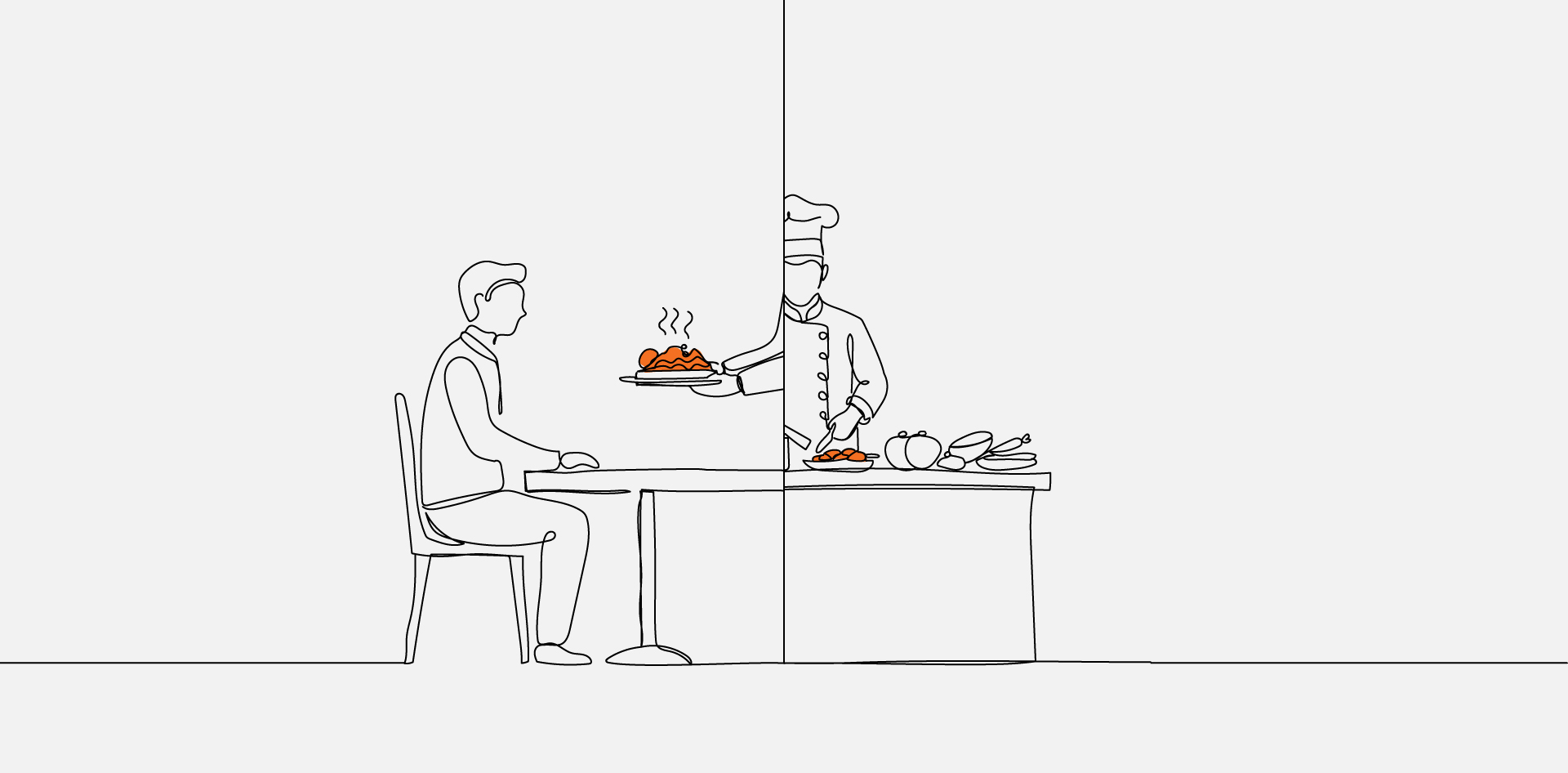
Frontend WordPress development focuses on what website visitors see and interact with — layouts, templates, styling, blocks, and browser-side behavior.
Backend WordPress development focuses on how content is created, stored, validated, and processed inside WordPress using PHP, hooks, custom post types, APIs, and plugins.
In simple terms:
- The backend prepares and manages data.
- The frontend displays that data to users.
The key difference in WordPress is architectural responsibility. Themes control presentation. Plugins control functionality. Understanding that separation prevents structural conflicts and long-term maintenance issues.
Contextual Opening (Unlabeled Introduction)
Frontend vs Backend WordPress Development is often explained using generic web development definitions, which can blur important boundaries inside WordPress itself. While frontend is typically described as what users see and backend as server-side logic, that framing does not fully capture how WordPress themes, plugins, hooks, and template rendering actually divide responsibility.
For developers and technical teams, the distinction affects architecture decisions, code organization, performance, and maintainability. A clear comparison must account for how WordPress processes requests, how themes differ from plugins, and where backend logic stops and presentation logic begins. Structured clarity prevents scope overlap and long-term structural issues within WordPress projects.
What Is Frontend WordPress Development
Frontend WordPress development refers to the implementation of the visual and interactive layer of a WordPress site using themes, templates, block rendering, and asset management. It focuses on how content is structured, styled, and delivered to the browser through HTML, CSS, JavaScript, and WordPress theme files.
Within WordPress, the frontend is primarily governed by the theme layer. Themes control template files, layout structure, block presentation, and how dynamic data is rendered. According to the WordPress Developer Resources themes are responsible for defining the display of content without altering core functionality.
Template resolution follows the rules defined in the Template Hierarchy documentation which determines which PHP template file is loaded for a given request. Frontend developers must understand this hierarchy to ensure predictable rendering across post types, archives, and custom templates.
In practice, WordPress frontend development includes converting design systems into theme components, structuring reusable template parts, managing stylesheets and scripts, and ensuring responsive behavior. It does not include business logic, database schema design, or persistent data manipulation. Instead, it consumes data prepared by the backend and renders it for user interaction.
What Is Backend WordPress Development
Backend WordPress development involves building and extending the application logic that powers content processing, data storage, and system behavior inside WordPress. It focuses on PHP-based functionality, database interaction, hooks, custom post types, REST endpoints, and administrative logic rather than visual output.
The WordPress core framework and extension system are documented in the WordPress Developer Resources which define how developers interact with the application lifecycle. Backend responsibilities commonly include registering custom post types, defining taxonomies, validating input, handling form submissions, and managing database queries.
Extensibility is primarily achieved through plugins. As outlined in the Plugin Developer Handbook plugins modify or extend behavior using actions and filters without altering core files. Backend developers rely heavily on hooks to intercept execution flow and inject custom logic.
Backend WordPress development does not equate to server infrastructure management. It operates inside the WordPress application layer, shaping how data is stored, retrieved, validated, and exposed to the frontend for rendering.
How WordPress Processes a Request (Frontend and Backend Interaction)
- A browser sends an HTTP request to the WordPress site.
- WordPress loads core files and initializes plugins and theme functions.
- Backend logic processes hooks, queries the database, and prepares data.
- The template hierarchy selects the appropriate theme file.
- The theme renders content into HTML for the browser.
This sequence defines how frontend and backend layers interact during runtime. After the server receives a request, WordPress loads its environment, including active plugins and the current theme. Backend code executes first, registering hooks, modifying queries, and retrieving content from the database.
Template resolution then follows the rules documented in the Template Hierarchy documentation which determines which template file renders the response. The frontend layer receives structured data and outputs markup, styles, and scripts.
For a broader execution breakdown of development stages beyond runtime processing, see WordPress Development Workflow Explained Step-by-Step.
Understanding this lifecycle clarifies responsibility boundaries: backend prepares and controls data; frontend presents it. Because backend execution occurs before template rendering, architectural mistakes at the backend level propagate into every frontend output.
Key Differences Between Frontend and Backend in WordPress
| Dimension | Frontend WordPress Development | Backend WordPress Development |
|---|---|---|
| Primary Focus | Presentation and user interaction | Application logic and data handling |
| Core Technologies | HTML, CSS, JavaScript, theme PHP templates | PHP, WordPress APIs, hooks, database queries |
| WordPress Layer | Themes and template files | Plugins, custom functionality, core extension |
| Data Responsibility | Consumes and renders prepared data | Creates, validates, stores, and modifies data |
| Runtime Role | Outputs markup for the browser | Executes logic before rendering |
| Admin Interface | Styles or adjusts display components | Customizes wp-admin behavior and workflows |
| Failure Risk | Layout inconsistencies or broken UI | Data corruption, security flaws, logic conflicts |
The difference between frontend vs backend WordPress development is not merely visual versus technical—it is structural. The frontend layer is responsible for how content appears and behaves in the browser. It interprets structured data and renders it through templates, blocks, and stylesheets.
The backend layer controls how that data exists and changes inside WordPress. It defines content models, manages queries, registers APIs, and injects functionality using hooks. Problems at the frontend typically affect presentation. Problems at the backend affect system integrity, performance, and security. Clear separation ensures maintainable architecture and reduces long-term technical debt.
Responsibilities in Themes vs Plugins
Themes and plugins represent a critical boundary inside WordPress architecture. Misplacing responsibility between them is one of the most common structural mistakes in WordPress development.
Themes are responsible for presentation logic—layout structure, template hierarchy implementation, block rendering, and styling. The official Plugin Developer Handbook clarifies that plugins exist to extend functionality without modifying WordPress core, reinforcing the separation between display and business logic.
Plugins handle application behavior. This includes registering custom post types, integrating APIs, defining backend workflows, modifying queries with hooks, and enforcing validation rules. Business logic stored inside a theme becomes tightly coupled to presentation and can break when themes change.
For a detailed architectural contrast between these layers, see WordPress Themes vs Plugins Explained.
Maintaining clean theme-plugin separation ensures portability, scalability, and safer long-term maintenance. Presentation belongs in themes. Functional behavior belongs in plugins.
Practical Example: Booking System Implementation
Imagine a WordPress site that includes an appointment booking system for a medical clinic.
The booking functionality — including a custom post type for appointments, availability validation, time-slot conflict checks, email confirmations, and database storage — belongs in a plugin. This ensures the booking system continues working even if the theme changes.
The theme is responsible for displaying available time slots, formatting the booking form, styling confirmation messages, and presenting appointment data on the frontend.
If booking logic were embedded inside the theme, redesigning the site would risk disabling the entire scheduling system. Separating behavior (plugin) from presentation (theme) preserves portability, maintainability, and data integrity.
How Frontend and Backend Developers Collaborate on WordPress Projects
Frontend and backend WordPress development rarely operate in isolation. Collaboration depends on clear interface boundaries between data structures and presentation layers.
Backend developers define content schemas through custom post types, taxonomies, metadata fields, and REST API endpoints. When APIs are involved, the WordPress REST API documentation defines how structured data is exposed for consumption.
Frontend developers then consume this structured output through template files, JavaScript-driven interfaces, or block components. If backend logic changes field structures or response formats without coordination, frontend templates can break.
Collaboration typically includes shared schema documentation, naming conventions, staging validation, and QA feedback loops. Backend changes must maintain predictable output contracts. Frontend implementation must respect data boundaries without embedding business logic.
Clear communication between layers prevents duplication of logic and ensures consistent rendering across environments.
Applied Scenario: Custom Content Portal
Consider a custom content portal with gated member access.
The backend developer:
- Registers a custom post type for resources
- Defines user roles and permissions
- Implements REST API endpoints for filtered content
- Adds validation and access control logic
The frontend developer:
- Builds templates that display resources conditionally
- Designs the dashboard layout
- Uses JavaScript to dynamically filter results
- Styles member-only sections
If backend field names or API response structures change without coordination, frontend templates may break. Collaboration ensures stable data contracts and predictable rendering.
Backend defines the contract. Frontend consumes it. Neither layer should silently redefine the other’s responsibility.
Common Misconceptions About Frontend and Backend in WordPress
Several misconceptions persist around frontend vs backend WordPress development, often because generic web development definitions are applied without WordPress-specific context.
- Backend means server infrastructure management
- wp-admin is the same as backend development
- Frontend development is only visual design work
- Business logic can safely live inside themes
- Frontend developers do not need to understand PHP
Backend WordPress development operates inside the application layer, not at the hosting or infrastructure level. Managing servers, DNS, or cloud environments falls outside standard backend scope unless explicitly defined in a project.
The WordPress admin interface (wp-admin) is a user interface for managing content. Customizing it may require backend logic, but the interface itself is not synonymous with backend development.
Frontend WordPress development also extends beyond visual design. Implementing template hierarchy rules, managing assets, and integrating dynamic data from custom post types requires structural understanding of PHP-based templates.
Placing business logic inside themes tightly couples functionality to presentation, creating portability risks when themes change. Clear separation between display and behavior remains foundational to maintainable WordPress architecture.
Contextual Closing (Unlabeled Conclusion)
Frontend vs Backend WordPress Development becomes clearer when examined through WordPress-specific architecture rather than generic web terminology. The distinction is defined by responsibility: backend logic structures, validates, and prepares data, while frontend implementation renders that data through themes, templates, and assets.
Understanding the WordPress request lifecycle, theme-plugin boundaries, and collaboration workflows prevents structural overlap. When responsibilities remain separated, projects gain portability, scalability, and reduced maintenance risk. Clear boundaries inside WordPress are not stylistic preferences—they are architectural safeguards.
Clarifying Frontend And Backend WordPress Boundaries
FAQs
What Is The Difference Between Frontend And Backend In WordPress
Frontend WordPress development focuses on how content is rendered and displayed through themes, templates, and assets. Backend WordPress development handles application logic, data validation, database interaction, and system behavior using PHP, hooks, and plugins. The distinction centers on presentation versus functionality inside the WordPress application layer.
Is Wp-Admin Considered Backend Development
wp-admin is the administrative interface for managing WordPress content and settings. Customizing its behavior may require backend development, but the interface itself is not equivalent to backend logic. Backend development operates behind the interface, defining how data is stored, validated, and processed.
Do Frontend WordPress Developers Need To Know PHP
Frontend WordPress developers benefit from understanding PHP because themes rely on PHP-based template files. While deep backend expertise is not always required, familiarity with template tags, loops, conditional logic, and the template hierarchy improves implementation accuracy and prevents structural errors.
Should Business Logic Be Placed Inside A Theme
Business logic should not be embedded inside a theme because themes control presentation, not functionality. Functional behavior belongs in plugins to maintain portability and prevent data loss when themes change. Separating logic from design preserves maintainability and architectural stability.