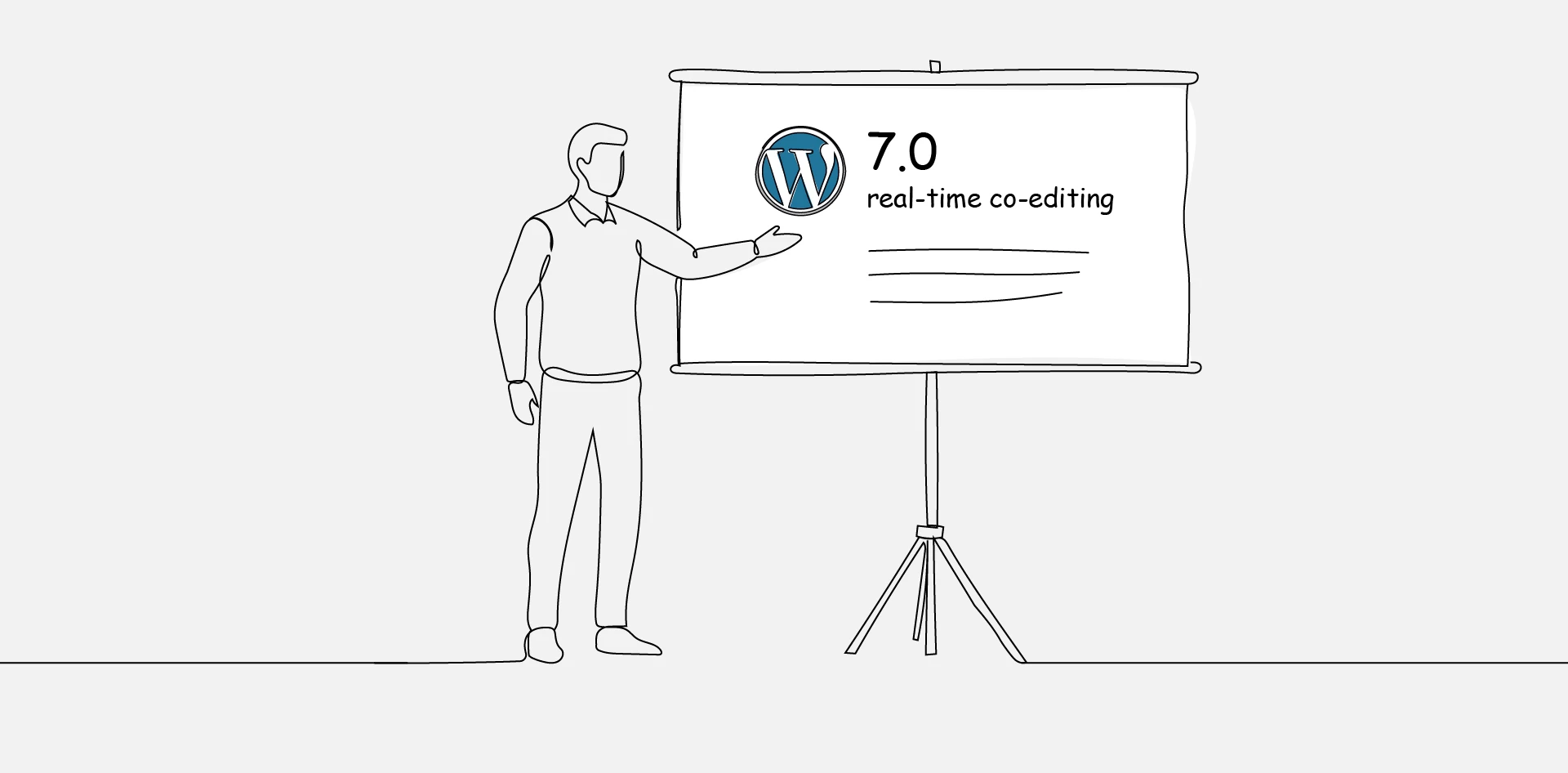
WordPress 7.0 is the most significant core release since 5.0 introduced the block editor in 2018. It lands on April 9, 2026—during WordCamp Asia—and it changes how teams build, review, and manage content inside WordPress.
This isn’t a routine update. The PHP minimum jumps to 7.4, the admin interface gets its first real redesign in over a decade, and AI infrastructure enters WordPress core for the first time. Every site your agency manages needs attention before this rolls out.
Here’s what matters, and what to do about it.
WordPress 7.0: A Feature-by-Feature Breakdown
Real-Time Collaboration
WordPress 7.0 officially launches Phase 3 of the Gutenberg roadmap: Collaboration. The headline feature is real-time co-editing—multiple users working on the same post or page simultaneously inside the block editor.
It works the way you’d expect. When one editor finishes with a block and moves on, every connected user sees the change instantly—highlighted briefly, then settled. No page reloads. No draft collisions. No one’s work gets overwritten.
Syncing runs through HTTP polling out of the box. Hosting providers and plugins can upgrade this to WebSocket connections for faster performance. The feature is opt-in during the initial release, so agencies have time to evaluate it on staging before turning it on for client teams.
If you manage multi-author sites—editorial teams, marketing departments, membership platforms—this is the feature that eliminates Google Docs as a drafting middleman.
Inline Notes and Feedback
WordPress 6.9 introduced Notes. WordPress 7.0 turns them into a full feedback system built directly into the editor.
Users can now leave comments on specific blocks or text fragments, @mention teammates, and trigger notifications—all without switching to email, Slack, or a third-party review tool. The feedback lives exactly where the content lives.
For agencies running approval workflows with clients, this collapses the review cycle significantly. No more copying editor links into email threads. No more screenshots with arrows pointing at the paragraph that needs fixing. The conversation happens on the content itself.
Visual Revisions
Version comparisons move from text-based diffs to visual side-by-side views within the editor. For design-heavy pages—landing pages, product pages, homepage layouts—this makes the review process dramatically more precise.
AI Infrastructure in Core
WordPress 7.0 merges the WP AI Client into the core. This is developer infrastructure, not a finished AI product.
It provides a provider-agnostic API that lets plugins and themes connect to any generative AI model—OpenAI, Anthropic, Google, or self-hosted—through a single, standardized interface.
A few things to understand about this:
- It does not ship any AI providers by default. No AI buttons appear in the editor out of the box.
- Provider plugins for OpenAI, Anthropic, and Google are already available on WordPress.org, with community providers for Grok and OpenRouter appearing as well.
- A new Connectors UI (Settings > Connectors) gives site owners a centralized dashboard to manage AI provider credentials.
- An AI Experiments screen (Settings > AI Experiments) lets users opt into specific AI features—excerpt generation, alt text creation, image generation, and content summarization.
- The Abilities API works with the Model Context Protocol (MCP), enabling AI assistants to discover and interact with a WordPress site’s capabilities programmatically.
The practical value here compounds over the next 12 months as the plugin ecosystem builds on this foundation. For now, it’s worth understanding the architecture—not selling it to clients as a finished feature.
Admin Interface Refresh
The WordPress admin hasn’t had a real redesign since 2013. That changes with 7.0.
DataViews replaces the traditional WP List Tables with a modern, filterable interface—closer to what teams expect from any SaaS dashboard in 2026. View transitions swap out hard page reloads for smooth, app-like navigation between admin screens.
It looks better. It also breaks things. Any custom admin screens, plugins that hook into admin views, or third-party tools that modify the dashboard need to be tested against 7.0 before you push to production.
If your clients rely on custom post type interfaces or admin-level plugins, put this at the top of your staging checklist.
New Core Blocks and Design Tools
Several features that previously required plugins or custom CSS are now built into core:
- Icons block and Breadcrumbs block ship as new core blocks
- Gallery gains native lightbox support
- Grid block becomes responsive-enabled
- Cover block supports video embed backgrounds
- Viewport-based block visibility—hide or show blocks based on screen size without custom CSS
- Text line indent—paragraph indentation without writing CSS
- Client-side media processing—image resizing and compression handled in the browser, reducing server load
PHP-Only Block Registration
Developers can now generate blocks and patterns entirely server-side with auto-generated inspector controls. This simplifies block creation for teams that prefer PHP workflows over JavaScript-heavy development.
What Got Deferred to 7.1
Not everything made the cut. A few features were pushed to WordPress 7.1, currently targeted for August 2026:
- Tabs block—moved back to experimental status
- Core Abilities for post management (create, get, update posts via Abilities API)—needs further review
- Playlist block and Dialog block—didn’t finish in time
- Full iframed editor enforcement—revised to a gradual rollout
If any client projects depend on these, plan accordingly.
What Breaks: The PHP 7.4 Requirement
This is the action item that gates everything else.
WordPress 7.0 drops support for PHP 7.2 and 7.3. The new minimum is PHP 7.4. PHP 8.3+ is recommended for best performance and security.
If any of your managed sites are still running PHP 7.2 or 7.3, they cannot update to WordPress 7.0—full stop. The upgrade path is PHP first, WordPress second. Do it on staging, verify nothing breaks, then push to production. And do it before April 9, not after.
Your Pre-Launch Checklist
WordPress 7.0 introduces deep architectural changes. The risk of plugin and theme incompatibilities is higher than in any recent release. Here’s what to prioritize:
- Audit PHP versions across every managed site. Identify any site running below PHP 7.4. Upgrade to PHP 8.2 or 8.3 on staging, test thoroughly, then push to production. Do this now—not after the release.
- Set up staging environments. Every active site should be tested against WordPress 7.0 RC2 (available now) before the stable release. Focus on admin customizations, plugin compatibility, and theme behavior.
- Check critical plugins. Actively maintained plugins—Gravity Forms, Yoast SEO, WPML, WooCommerce, ACF—will likely ship compatible versions at or near launch. Verify each one. Niche or unmaintained plugins are the highest risk.
- Test themes and page builders. If client sites run Divi, Elementor, GeneratePress, or any theme framework, confirm the developer has released a WordPress 7.0-compatible update before upgrading.
- Don’t update production on day one. Wait for WordPress 7.0.1, which typically arrives within two weeks of launch and catches early bugs surfaced by the wider community.
- Review custom admin code. The DataViews replacement of WP List Tables and admin view transitions may break custom admin screens or plugins that hook into admin views. Test these explicitly.
- Communicate with clients. Set expectations about the update timeline. Let them know you’re testing before rolling out, and that the update will be applied once verified—not the moment it’s available.
Why This Release Demands More Than a Quick Update
WordPress 7.0 isn’t just a version bump. It’s a platform shift—from solo publishing tool to collaborative workspace. For agencies, that shift cuts two ways.
The opportunity is real, so is the risk.
Clients with editorial teams, multi-author workflows, or content approval processes get immediate value from native collaboration. The agencies that learn these features first and walk their clients through adoption are the ones who become harder to replace.
On the other hand, this release carries more compatibility exposure than anything since the block editor launched in 2018. PHP requirements, admin UI changes, plugin conflicts—the surface area for breakage is wide. Agencies that test early, communicate clearly, and manage the rollout professionally will skip the fire drills. The ones that rush to update on day one won’t.
We’ve already tested WordPress 7.0 RC2 across our delivery stack. PHP audits, staging setup, compatibility testing, managed rollouts—if you need support getting your client sites ready, we’re here.
Frequently Asked Questions
FAQs
Can I update if my site is running PHP 7.2 or 7.3?
No. WordPress 7.0 requires PHP 7.4 as the minimum.
Sites on older versions must upgrade PHP before updating WordPress. PHP 8.3+ is recommended for best performance and security.
Will my plugins and custom admin screens still work?
Major plugins are expected to ship compatible updates at or near launch. The higher risk sits with niche or unmaintained plugins. The new DataViews system also replaces WP List Tables, which can break custom admin screens—test everything on staging before going live.
Does WordPress 7.0 add AI features to my site automatically?
No. The WP AI Client is developer infrastructure only. No AI features appear out of the box. Site owners must install a provider plugin and opt into specific features through the new AI Experiments screen in Settings.
How should I communicate this update to my clients?
Set expectations early. Let clients know you’re testing on staging before rolling out, and that the update will be applied once verified—not the moment it’s available.