Why Themes and Plugins Are Often Confused
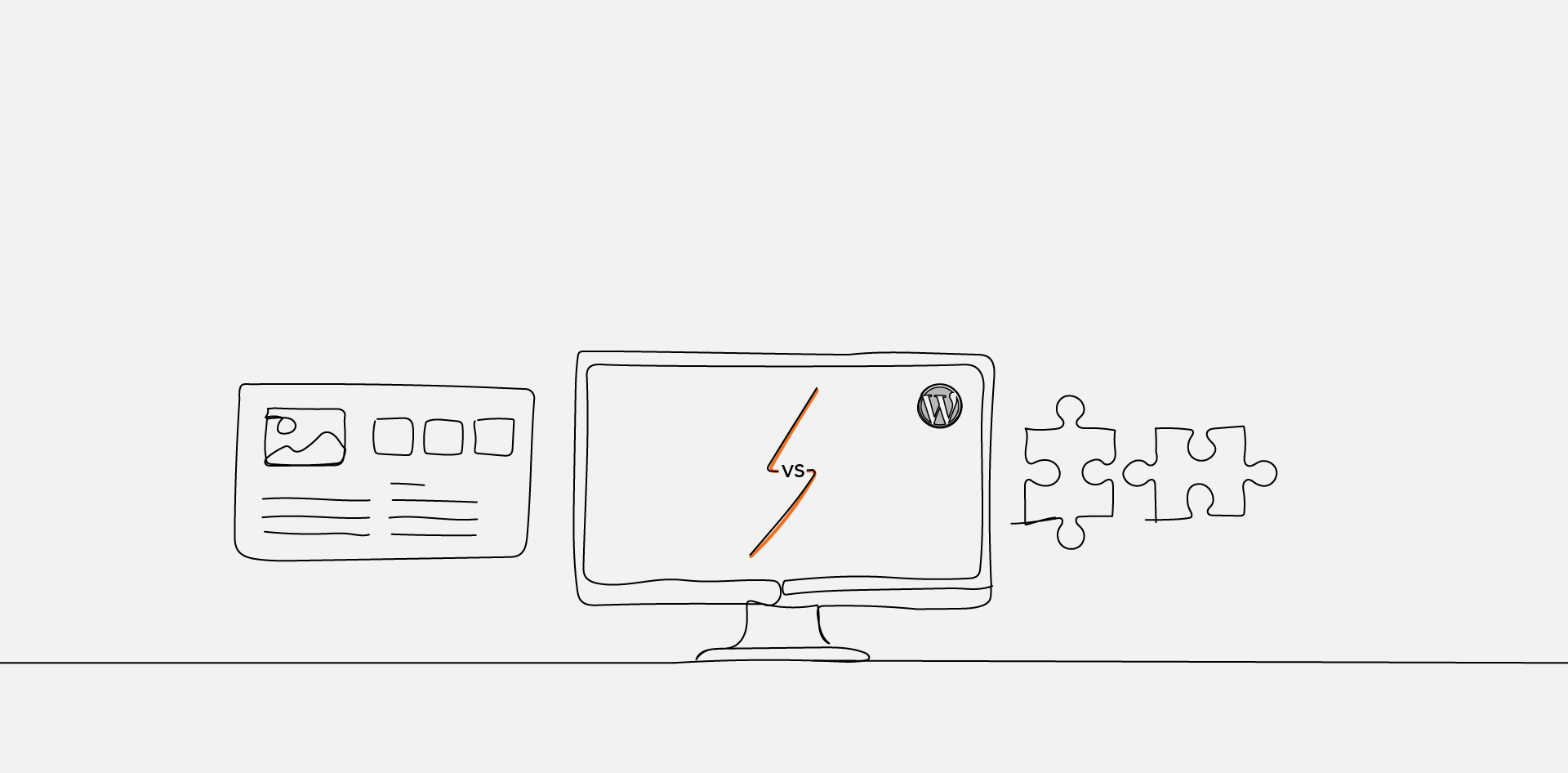
The distinction between a WordPress theme vs plugin is often presented as design versus functionality, yet real-world projects blur that boundary quickly. Themes control layout, templates, and visual presentation, while plugins extend features and behavior—but both can contain code that alters how a site operates.
For developers, this overlap creates architectural risk. Functionality placed inside a theme may disappear when the theme changes. Plugins overloaded with presentation logic can create unnecessary dependencies. Without clear separation-of-concerns thinking, WordPress themes and plugins become interchangeable containers instead of defined responsibility layers. That confusion leads to portability issues, scope drift, and long-term maintenance complexity across the development lifecycle.
What Is a WordPress Theme?
A WordPress theme is the presentation layer of a WordPress site. It controls layout, templates, styling, and how content is displayed, without defining the underlying business logic or core features.
According to the WordPress Theme Developer Handbook themes are responsible for rendering content through template files, stylesheets, and theme functions that shape the visual output of posts, pages, archives, and other content types.
At a structural level, a theme defines how content is arranged and styled using the template hierarchy system described in the WordPress Template Hierarchy documentation.
This hierarchy determines which template file loads for specific content types, ensuring consistent layout behavior across the site.
Themes may include limited functionality through functions.php, but that functionality is meant to support presentation—not to define standalone features. When feature-level logic is embedded deeply inside a theme, it creates dependency on that theme for core behavior, increasing switching risk and reducing portability.
For broader system context on how themes interact with core files, the database, and plugins, see WordPress Architecture Explained for Developers.
What Is a WordPress Plugin?
A WordPress plugin is an extensibility layer that adds features or modifies behavior without changing a site’s visual design. Plugins introduce functionality such as custom post types, integrations, performance controls, security enhancements, or workflow automation.
The WordPress Plugin Developer Handbook defines plugins as modular code components that hook into WordPress core through actions and filters.
These hooks are documented in the WordPress Hooks Reference and allow plugins to modify output, intercept processes, or extend behavior without altering theme files directly.
Architecturally, plugins exist independently of presentation. If a theme is changed, well-structured plugins continue operating because their functionality is not tied to template files or styling layers. This separation supports extensibility, compatibility, and long-term maintenance.
When functionality must persist across theme changes—or when it represents a reusable capability rather than a visual concern—it belongs in a plugin rather than a theme.
Key Differences Between WordPress Themes and Plugins
| Aspect | WordPress Theme | WordPress Plugin |
|---|---|---|
| Primary Role | Controls layout and visual presentation | Adds or modifies functionality |
| Scope | Templates, styling, structure | Features, integrations, logic |
| Portability | Changing theme may alter design entirely | Changing theme does not remove plugin features |
| Lifecycle Risk | Embedding core features creates theme lock-in | Poorly written plugins may conflict but remain independent |
| Extensibility Method | Template hierarchy and theme functions | Hooks (actions and filters) |
The difference between WordPress themes and plugins is not about file location—it is about responsibility boundaries. Themes answer the question: “How should content look?” Plugins answer: “What should the site do?”
From an architectural standpoint, the hook system documented in the WordPress Hooks Reference reinforces this separation. Plugins extend behavior through defined integration points rather than altering presentation files directly.
When these boundaries are respected, maintainability improves. When they blur—such as embedding feature logic inside templates or overloading plugins with styling overrides—technical debt accumulates and future changes become riskier.
When Should You Use a Theme vs a Plugin?
- If it controls layout, templates, or styling → Theme
- If it adds reusable functionality → Plugin
- If it must persist after a theme change → Plugin
- If it supports visual presentation only → Theme
- If it introduces integrations or feature logic → Plugin
- If it affects site behavior independent of design → Plugin
The Theme Review Guidelines published by WordPress Theme Review Guidelines reinforce that themes should focus primarily on presentation concerns. Embedding long-term features inside theme files increases lock-in and reduces portability.
From a lifecycle perspective, the core question is persistence. If functionality must survive a redesign or template change, it belongs in a plugin. Custom post types, SEO controls, integrations, and workflow features typically fall into this category.
Conversely, layout variations, template overrides, and styling rules belong in the theme layer. Blurring these roles complicates maintenance, increases compatibility risk, and makes future refactoring more expensive. Clear responsibility boundaries preserve extensibility and architectural clarity across projects.
What Happens When You Switch Themes or Disable Plugins?
Switching a theme replaces the presentation layer but does not remove stored content or plugin-based functionality. However, if features were embedded directly inside the theme—such as custom post types or shortcodes—those features may stop working after the switch.
The official documentation on Switching Themes in WordPress explains that changing themes affects layout and template behavior but should not remove data stored in the database.
Disabling a plugin, by contrast, removes the functionality it provides but typically preserves stored content. For example, a deactivated SEO plugin may stop generating metadata, yet existing posts remain intact.
Architectural risk appears when presentation and functionality are mixed. If a theme contains critical feature logic, redesigning the site can unintentionally disable core capabilities. If a plugin contains heavy presentation overrides, visual inconsistencies may appear when themes change. Separation-of-concerns minimizes both risks and improves long-term maintainability.
Common Architectural Mistakes to Avoid
- Embedding core functionality inside theme files
- Creating theme-dependent shortcodes
- Overloading plugins with styling overrides
- Installing multiple plugins that duplicate features
- Ignoring official plugin standards
The WordPress Plugin Guidelines outline best practices for maintaining clean, modular plugins that respect extensibility and compatibility expectations.
A frequent failure mode is theme lock-in: when switching themes causes features to disappear because logic was embedded in template files. Another is plugin overload, where redundant functionality increases performance strain and compatibility conflicts.
Clean architecture requires modular responsibility. Themes manage appearance and layout. Plugins manage functionality and extensibility. When those boundaries are respected, WordPress remains flexible, portable, and easier to maintain over time.
Keeping Design and Functionality Separate
Understanding the distinction in a WordPress theme vs plugin is ultimately about architectural discipline. Themes exist to control presentation—templates, layout, styling—while plugins extend functionality through modular, reusable logic. When those responsibilities are respected, portability improves and lifecycle risk decreases.
Misplacing functionality inside a theme creates lock-in. Overloading plugins with presentation concerns introduces unnecessary coupling. Both patterns weaken maintainability and complicate future changes.
Clear separation-of-concerns ensures that redesigns do not disrupt features, and feature expansion does not destabilize layout. Within the broader context of WordPress development fundamentals this boundary clarity supports scalable, extensible systems that remain adaptable over time.
Clarifying WordPress Theme and Plugin Boundaries
What Is The Difference Between A WordPress Theme And A Plugin?
A WordPress theme controls how content looks, including layout, templates, and styling. A plugin controls what the site does by adding or modifying functionality. Themes affect presentation, while plugins extend behavior through modular code. The distinction is architectural rather than cosmetic, focusing on responsibility boundaries instead of file location.
Can A WordPress Theme Replace A Plugin?
A theme can technically include feature-level code, but doing so creates dependency on that theme. If the theme is changed, embedded functionality may stop working. Features that must persist across design changes should be implemented in a plugin to maintain portability and reduce lock-in.
What Happens To Plugins When You Change A WordPress Theme?
Changing a WordPress theme does not automatically disable plugins. Plugin-based functionality continues operating unless it depends on theme-specific templates or styling. Well-structured plugins remain independent of presentation layers, which is why core features should live in plugins rather than themes.
Should Functionality Be Added To A Theme Or A Plugin?
Functionality that affects layout or visual presentation belongs in a theme. Functionality that defines behavior, integrations, data handling, or reusable features belongs in a plugin. The deciding factor is persistence—if the feature must survive a theme switch, it should be implemented as a plugin.