A client asks: “We keep hearing about ADA compliance. Do we need an audit?”
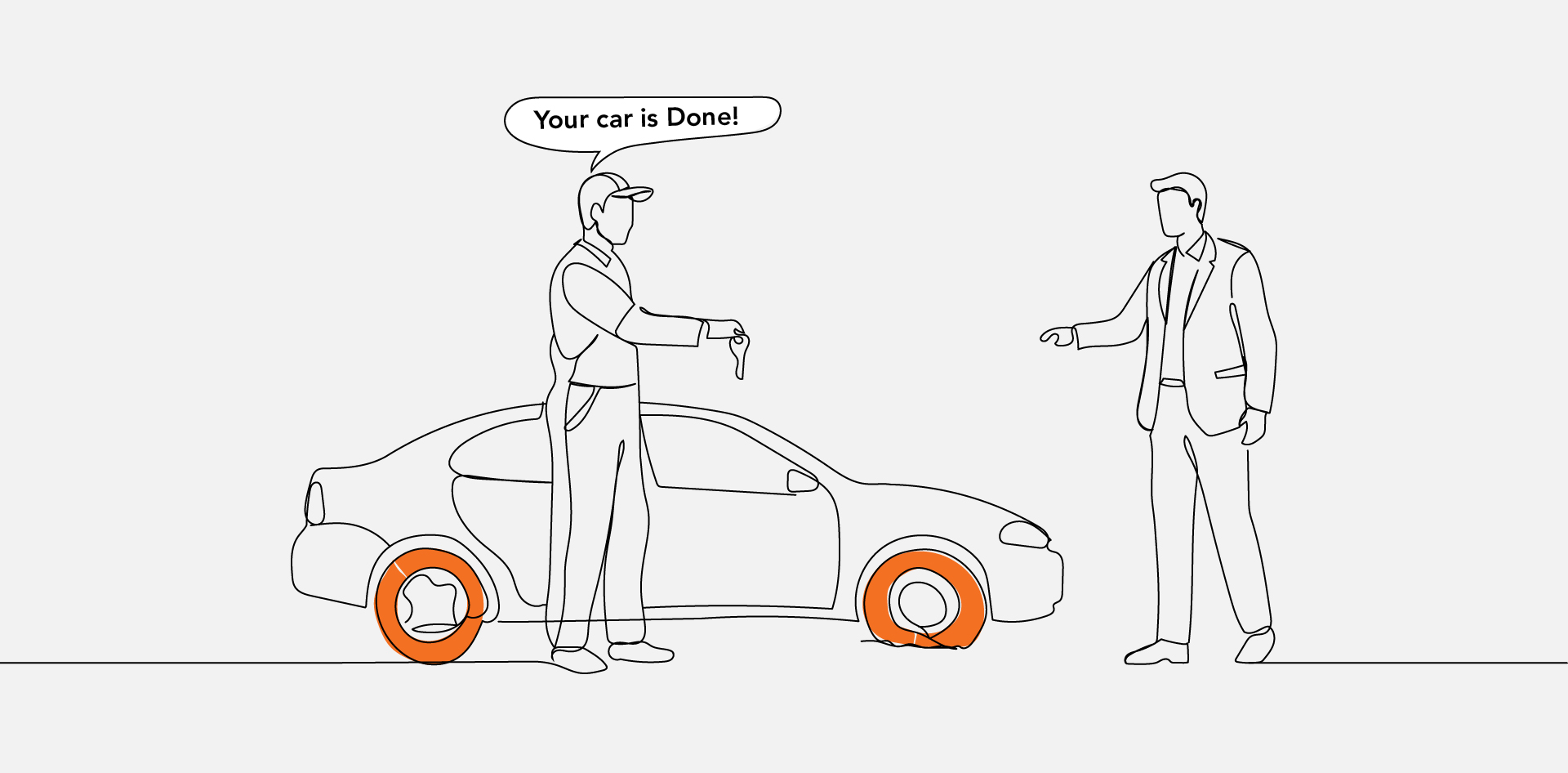
The agency says yes, runs one, sends a PDF with forty-three flagged issues, and marks the project complete. Three months later, the client gets a legal complaint. The first thing their lawyer asks is whether they knew about the accessibility problems on their site. Of course, they did; they had the report.
An audit that documents problems without a plan to fix them isn’t a compliance deliverable. It’s evidence. This is the part of the accessibility conversation that most agencies skip, and it’s the most important part.
Before you run an audit for a client, the question that needs an answer is: What happens after the report lands? Who fixes the issues, in what order, to what standard, and by when? Everything else—the tools, the testing methodology, the report format—is secondary to that.
This article covers what a proper audit actually includes, what WCAG 2.1 AA means without the legal fog, and how to scope the work so a client ends up with a genuinely better outcome—not just better documentation of the problem.
What WCAG 2.1 AA Actually Means
If you’re going to sell an accessibility audit, you need to be able to explain the standard you’re auditing against—in plain English, to a client who has never heard of WCAG and doesn’t particularly want to.
WCAG stands for Web Content Accessibility Guidelines. Version 2.1 at the AA level is the benchmark that accessibility laws in the US, UK, EU, and Canada point to when determining whether a website meets accessibility requirements.
When a regulator or a court asks whether a site is accessible, this is the measuring stick.
It’s a Standard, Not a Certificate
There’s no governing body that awards a WCAG 2.1 AA certificate. No badge, no annual renewal, no official registration.
It’s a set of criteria your site either meets or doesn’t—and meeting them means a person using assistive technology can perceive, navigate, and interact with your content without hitting barriers a non-disabled user wouldn’t face.
The Four Principles Every Requirement Comes Back To
Every WCAG rule traces back to one of four ideas. When you frame it this way for a client, the standard stops feeling like an arbitrary legal hurdle and starts making intuitive sense:
- Perceivable—you can’t interact with something you can’t detect
- Operable—every function needs to work without a mouse
- Understandable—content and behaviour should be predictable
- Robust—built to work with assistive technologies people are actually using today
Alt text on images, keyboard navigation, colour contrast ratios, form labels—every specific requirement is an expression of one of those four principles.
What an Audit Actually Covers
Here’s where a lot of agencies underdeliver because “running an audit” can mean very different things. The gap between a surface-level scan and a proper audit is significant, and it shows up directly in the quality of the findings.
A complete audit has two layers: automated testing and manual testing. Most audits only include the first one.
What Automated Tools Find
Automated scanners are reliable at catching structural problems: missing alt attributes, insufficient colour contrast, form inputs without labels, pages without a declared language.
These are real issues that affect real users, and scanners find them consistently. The limitation is coverage.
Automated tools typically catch around 30–40% of the accessibility issues on a given site. That’s not a criticism of the tools—it reflects the nature of what can be checked programmatically versus what requires human judgment to evaluate.
What Manual Testing Finds
Manual testing means a real person navigating the site with assistive technology—screen readers like NVDA, JAWS, or VoiceOver, keyboard-only navigation, and zoom tools.
This is where you find out whether the site actually works for someone who can’t use a mouse.
Some of the things only manual testing can answer:
- Does the screen reader announce page elements in a logical order?
- Can a keyboard user complete a form without getting stuck in a focus loop?
- Do error messages explain what went wrong in a way that’s actually useful?
These aren’t questions a scanner can answer. They require someone to go through the experience themselves.
Why Custom Components Need Individual Testing
Standard HTML elements like buttons, links, and native form fields have built-in accessibility behaviours that browsers and screen readers already understand. Custom-built components in JavaScript frameworks don’t inherit any of that automatically.
A custom dropdown, a modal dialog, a date picker—each needs to be deliberately built with the right keyboard interactions, focus management, and ARIA attributes to work accessibly.
An audit on a site with significant custom UI needs to assess each of those components individually.
There’s no automated rule that can determine whether a bespoke interactive element works for a screen reader user. It has to be tested by hand, against the ARIA authoring practices, one component at a time.
What the Report Doesn’t Do
This is the conversation that protects your client—and most agencies have it after the audit instead of before, which is too late.
An audit report is a prioritised list of problems. It tells you what’s broken and how severely. It doesn’t fix anything, assign anyone to fix it, or explain how long fixing it will take. That’s the work that comes after—and if no one has agreed on who’s doing it, the report just sits there.
A client who receives a report full of documented accessibility failures and does nothing with it is in a worse legal position than before they hired you. They now have written proof that they knew about the issues. That’s the document a plaintiff’s lawyer wants to see.
This is why remediation has to be part of the scope from day one—not an optional add-on once the report is delivered, but the actual outcome the whole engagement is working toward.
How to Scope the Remediation Before the Audit Starts
Getting this conversation right upfront is what separates a complete accessibility service from an audit-and-move-on approach. Here’s how to work through it before the project kicks off.
Agree on Who Owns the Fixes
The ownership arrangement varies by project, and any of these can work, as long as it’s agreed upon before the audit begins:
- The agency handles remediation directly, with full development access
- The client’s internal team takes the report and works through it themselves
- A third-party developer owns the codebase and needs to be looped in from the start
Delivering a detailed report to a client who has no developer and no budget for remediation doesn’t move them closer to compliance—it gives them a documented liability and no path forward.
Fix What Matters Most First
Not every accessibility issue carries the same weight in practice.
Remediation should triage issues by two things: their severity under WCAG, and the real impact they have on users trying to do something meaningful on the site.
The priority order generally looks like this:
- Critical user journeys first—checkout, account creation, contact forms
- High-severity issues on frequently visited pages
- Lower-impact issues in subsequent passes
That way, the client has a defensible position even before the full remediation is done, and progress is visible from early in the engagement.
Be Honest About What Full Compliance Actually Takes
Full WCAG 2.1 AA conformance on a complex site with years of accumulated code isn’t always achievable in a single sprint. According to WebAIM’s annual analysis of the top one million websites, over 95% of tested home pages had detectable WCAG failures, which gives a sense of how deeply embedded these issues tend to be.
A phased approach—conformance on core user journeys first, a clear roadmap for everything else—is more achievable and more honest than promising blanket compliance on a timeline that doesn’t account for the real technical debt involved.
Clients respond well to the transparency, and it sets the engagement up to actually succeed.
Accessibility Doesn’t Stay Fixed Without Ongoing Attention
This is the part of the conversation that most clients don’t see coming—and the part that determines whether the remediation work actually holds.
Every time a client publishes new content, ships a new feature, or updates a third-party plugin, accessibility can quietly become a problem again.
A blog post with an image and no alt text, a new promotional banner built outside the standard component library, a plugin update that changes how a modal handles keyboard focus. None of these require carelessness; they just require a site that keeps moving.
Building Accessibility Into Ongoing Process
The practical answer is a combination of process and tooling:
- Automated checks built into the development workflow catch structural issues before they go live
- Clear editorial guidelines give content teams simple rules—how to write alt text, how to structure headings, what makes a link label useful
- Periodic manual testing, quarterly for most sites, catches what automation misses and confirms new features are holding up to the standard
Agencies that position accessibility as a continuous service rather than a one-time project are the ones genuinely reducing their clients’ exposure over time—and building a reliable recurring revenue stream alongside it.
The Business Case Beyond Compliance
The business case for accessibility doesn’t begin and end with legal protection. A site that works for everyone—people using screen readers, keyboard-only navigation, zoom tools, or low-contrast displays—is a site that works better for all users.
That translates directly into broader audience reach, lower bounce rates from frustrated users, and stronger brand trust among people who notice when a company has made the effort.
Accessibility improvements also tend to improve SEO. Cleaner heading structures, descriptive alt text, and logical page hierarchy are things search engines and screen readers both benefit from. It’s rarely the primary reason to invest in accessibility, but it’s a consistent side effect of doing it properly.
Agencies that frame accessibility this way, as something that makes a client’s site genuinely better, not just legally safer, have a much easier time selling the service than those leading with compliance risk alone.
The Audit Is the Starting Line, Not the Finish
Selling an accessibility audit well means being clear about what it is and what it isn’t. It’s a thorough look at what’s broken and how badly—a starting point, not a finish line.
The clients who come out of an accessibility engagement in genuinely better shape are the ones whose agency helped them understand the findings, agree on who was fixing what, and put a process in place to keep the site accessible as it kept evolving.
That’s a different service than sending a PDF and moving on. It’s also a more defensible one—for your client and for you.
If you’re building accessibility into your offering, the question worth asking before the next audit goes out is simple: Are you selling a report, or are you selling an outcome?
Frequently Asked Questions
FAQs
Is ADA Compliance the Same Thing as WCAG 2.1 AA Conformance?
Not exactly, but they’re closely linked.
The ADA doesn’t name a specific technical standard for websites. However, courts and the Department of Justice have consistently pointed to WCAG 2.1 AA when evaluating website accessibility claims, making it the de facto benchmark.
Demonstrating conformance is the strongest good-faith position an organisation can take if a complaint is raised.
What Should a Good Accessibility Audit Report Actually Include?
A useful report does more than list failures. It explains what each issue is, which WCAG criterion it violates, how severely it affects users, and, where possible, what a fix looks like in practice.
Reports that flag issues without context leave the development team guessing and slow down remediation. The more actionable the findings, the faster the client can move.
Do Accessibility Overlay Tools Actually Solve the Problem?
No, not as a genuine compliance solution.
Overlay tools are JavaScript widgets that claim to automatically fix accessibility issues on top of existing code.
They’ve been widely criticised by accessibility professionals and have been cited in lawsuits precisely because they don’t fix the underlying code, frequently conflict with the assistive technologies users already have, and give site owners a false sense of compliance.
They’re not a substitute for a real audit and proper remediation.
How Often Should a Site Be Re-Audited After Initial Remediation?
A full manual audit once a year is a reasonable baseline for most sites.
Automated checks built into the development process help catch regressions between those larger reviews. Sites that publish frequently or ship new features regularly may benefit from tighter intervals.
The goal is to catch issues at the point where they’re cheapest to fix—before they accumulate into another large-scale remediation project.
Can Smaller Agencies Offer Accessibility Services Without In-House Specialists?
Yes, and many do successfully.
For agencies without accessibility-focused developers on staff, white-label development partners can handle both the technical remediation after an audit and the ongoing work of keeping new builds accessible.
The agency owns the client relationship and the audit findings; the white-label partner handles implementation to the agreed standard.
It’s a practical way to offer a complete, credible accessibility service without maintaining specialist overhead in-house.