What would it cost your agency if your highest-referral client stopped recommending you and never told you why?
This kind of loss won’t show up in your quarterly report, and it comes up without a cancellation email, an angry phone call, or a public review to manage.
It’s a slow, invisible bleed—a prospect who never books the discovery call, a referral that quietly routes to another agency, a reputation shift that happens entirely behind closed doors.
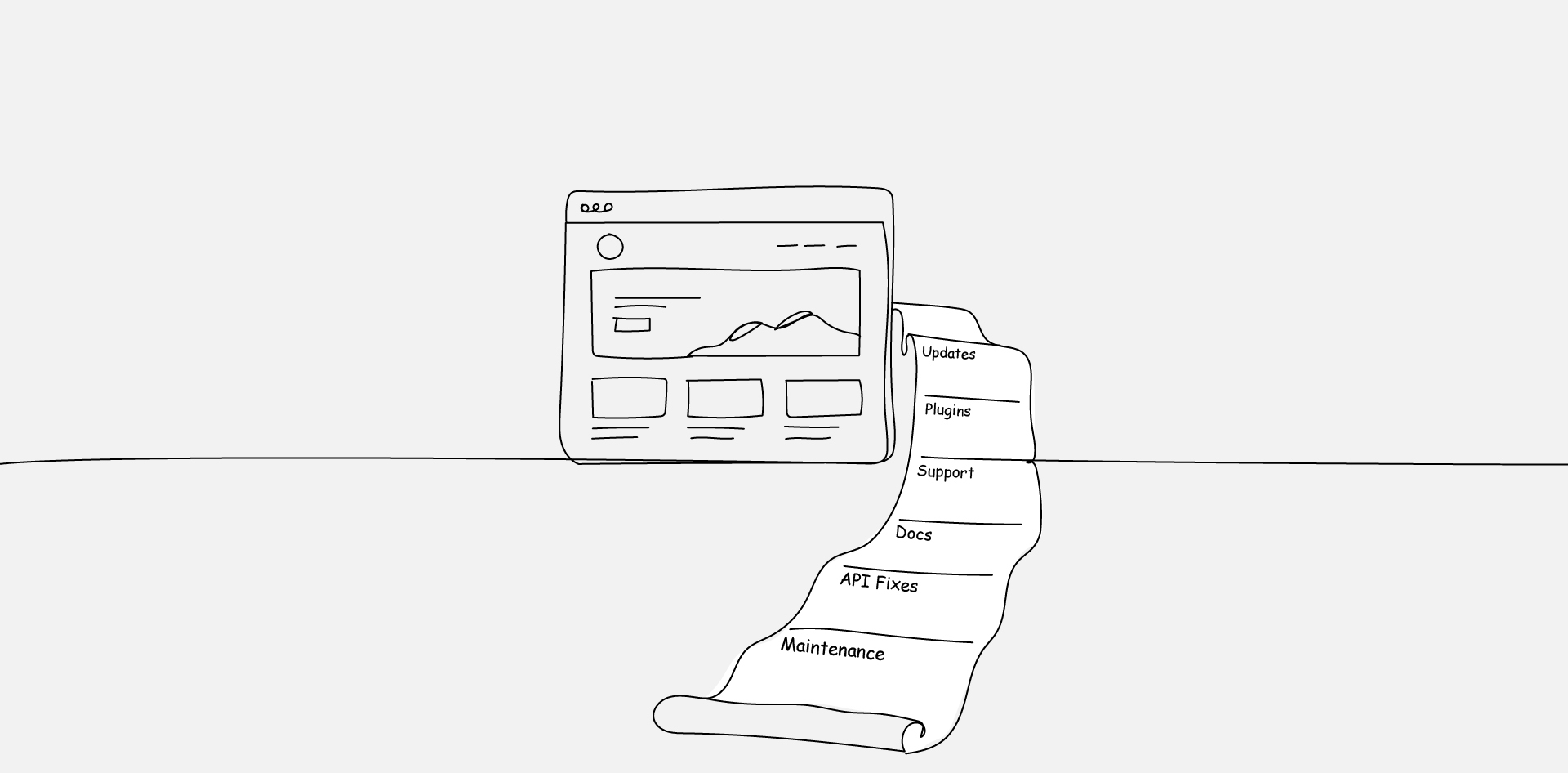
And more often than not, the thing that triggers it isn’t a failed project; it’s a successful one that became a maintenance burden nobody planned for. Custom WordPress builds are uniquely good at creating this exact problem.
The launch goes well, the client is thrilled, and the agency moves on to the next engagement. Then six months later, the client’s site starts showing cracks—a plugin conflict after a core update, a custom feature that breaks when the content team tries to use it differently than expected, an integration that quietly stops syncing because a third-party API changed its authentication method.
None of these is catastrophic on its own, but each one generates an invoice the client didn’t budget for and an experience that slowly rewrites the story they tell other people about your agency.
Custom Post Types Vs. Plugin Dependency Tradeoffs
Every custom WordPress build faces the same fundamental question early in development: do we build this feature from scratch or rely on a plugin to handle it?
- The Case for Custom Post Types
Custom post types give you total control over the content structure. You define the fields, the relationships, and the editorial workflow. There’s no dependency on a third-party developer’s roadmap, no risk that a plugin update breaks your data model.
But that control comes at a cost. Custom post types need to be registered, maintained, and documented. When the original developer moves on, the next person inherits code they didn’t write and may not fully understand.
- The Case for Established Plugins
Plugins like Advanced Custom Fields or Custom Post Type UI can accelerate development significantly. They offer admin interfaces, field groups, and export tools that save weeks of custom coding.
The tradeoff is dependency—you’re relying on another team to keep that plugin compatible with WordPress core and PHP updates indefinitely.
- Finding the Middle Ground
The right answer is almost never all-custom or all-plugin. It’s a deliberate mix, documented clearly, so that whoever maintains the site three years from now understands why each decision was made.
Content Model Planning and Editorial UX
Most conversations about custom WordPress builds focus on what the visitor sees. Far fewer focus on what the content team experiences every day inside the admin panel.
- Why Editorial UX Gets Neglected
Stakeholder reviews focus on what the visitor sees—not what the content team uses every day. So the front end gets polished through multiple rounds of feedback while the admin panel gets a ten-minute walkthrough before handoff.
By month three, the people publishing content daily are fighting an interface nobody designed for them.
- Designing Content Models for Real Editors
A well-planned content model maps directly to how the editorial team thinks about their content. If the marketing team thinks in terms of campaigns, the content model should reflect campaigns—not generic posts lumped under a single taxonomy.
This means sitting with the people who will use the system before writing a single line of code. It means building content entry screens that make the right action obvious and the wrong action difficult.
How Plugin Sprawl Degrades Performance Over Time
Every plugin added to a WordPress site introduces code that runs on every page load, every admin action, and every cron job. One or two plugins won’t cause noticeable performance issues. Twenty or thirty will.
- The Accumulation Problem
And the cost isn’t just performance. Every plugin you leave installed is both a performance drag and an expanding security surface—one more piece of third-party code that needs to stay compatible with core updates and patched against new vulnerabilities.
- Auditing What’s Actually Necessary
A quarterly plugin audit should be a standard part of any WordPress maintenance plan. The questions are simple:
Is this plugin still active? Is it still receiving updates from the developer? Could its functionality be handled by something already installed?
If the answer to any of those is “no” or “yes, something else could handle it,” the plugin should be removed.
The Handoff Documentation That Makes or Breaks Maintenance
Custom builds live or die by their documentation. Not the documentation for the end user—the documentation for the next developer.
- What Good Handoff Documentation Includes
A proper handoff package covers the content model and why it was structured that way, the custom functions and where they live, the plugin dependencies and their purpose, the deployment process, and the hosting environment’s specific configuration.
It’s not a README with three bullet points. It’s a maintenance manual.
- The Cost of Skipping This Step
Without documentation, every maintenance task forces the developer to reverse-engineer intent before they can even start the actual work. A 30-minute update becomes a two-hour investigation.
A straightforward plugin replacement becomes a week-long discovery process. Over a multi-year contract, those extra hours compound into thousands of dollars in avoidable costs.
When to Build Custom Vs. Configure
The most expensive mistake in custom WordPress development isn’t building the wrong feature. It’s building a feature that didn’t need to be built at all.
- The Configuration-First Approach
Every custom feature you add is a feature you’re committing to maintain indefinitely, so the question before writing any custom code should always be:
Can a supported plugin get the client 90% of the way there, and is the remaining 10% worth the long-term maintenance overhead?
- Defining the Custom Threshold
Custom code should only be introduced when existing tools genuinely can’t meet the requirement, the requirement is central to the business’s differentiation, and the client understands and accepts the ongoing maintenance commitment that comes with it.
This isn’t about cutting corners. It’s about being honest with clients about the total cost of ownership from day one—and giving them the information they need to make a real decision.
The Build Is Just the Beginning
Custom WordPress builds aren’t inherently risky. They’re only risky when the people involved—agency, developer, client—treat the build as the finish line instead of the starting line.
The flexibility that makes custom WordPress attractive is real. So is the ongoing cost of maintaining it.
The agencies that build trust over the long haul are the ones who scope both the build and the maintenance honestly, who document their decisions thoroughly, and who design systems that future developers can actually work with.
Every custom decision carries a maintenance consequence. The question isn’t whether to build custom—it’s whether everyone at the table understands what they’re signing up for after launch day.
Frequently Asked Questions
FAQs
How Long Should a Custom WordPress Build Take From Scoping to Launch?
Most custom builds for mid-market businesses take 12 to 20 weeks from kickoff to launch, depending on the complexity of the content model and integrations involved.
Rushing that timeline usually means cutting corners on documentation and editorial UX—two areas where shortcuts create the most expensive problems later.
What’s a Realistic Annual Budget for Maintaining a Custom WordPress Site?
For a site with custom post types, several integrations, and an active content team, annual maintenance typically runs between $3,000 and $15,000, depending on the hosting environment, update frequency, and how well the original build was documented.
Sites with poor documentation or heavy plugin dependency tend to land at the higher end.
Can You Migrate a Custom WordPress Build to a Different CMS Later?
You can, but the cost depends almost entirely on how the content model was designed.
Sites with clean, well-structured custom post types and fields export far more easily than sites where content logic is embedded in page builders or shortcodes.
Planning for portability during the build—even if a migration isn’t planned—saves high cost down the line.
What Happens When the Developer Who Built the Site Is No Longer Available?
This is one of the most common pain points in custom WordPress maintenance. If the original developer left solid documentation, a new developer can pick up the codebase with minimal ramp-up.
Without it, expect a discovery phase that can run anywhere from 10 to 40 hours before meaningful maintenance work even begins.
Should Agencies Consider White-Label Partners for Custom WordPress Maintenance?
For agencies that sell custom builds but don’t have the bench depth to maintain them long-term, a white-label development partner can provide ongoing maintenance under the agency’s brand.
This keeps the client relationship intact while ensuring the site is maintained by specialists who work with WordPress codebases daily—a model that firms like White Label IQ have built specifically for this scenario.